Delivery is updating its mobile app: booking parcels is now quicker and easier to understand
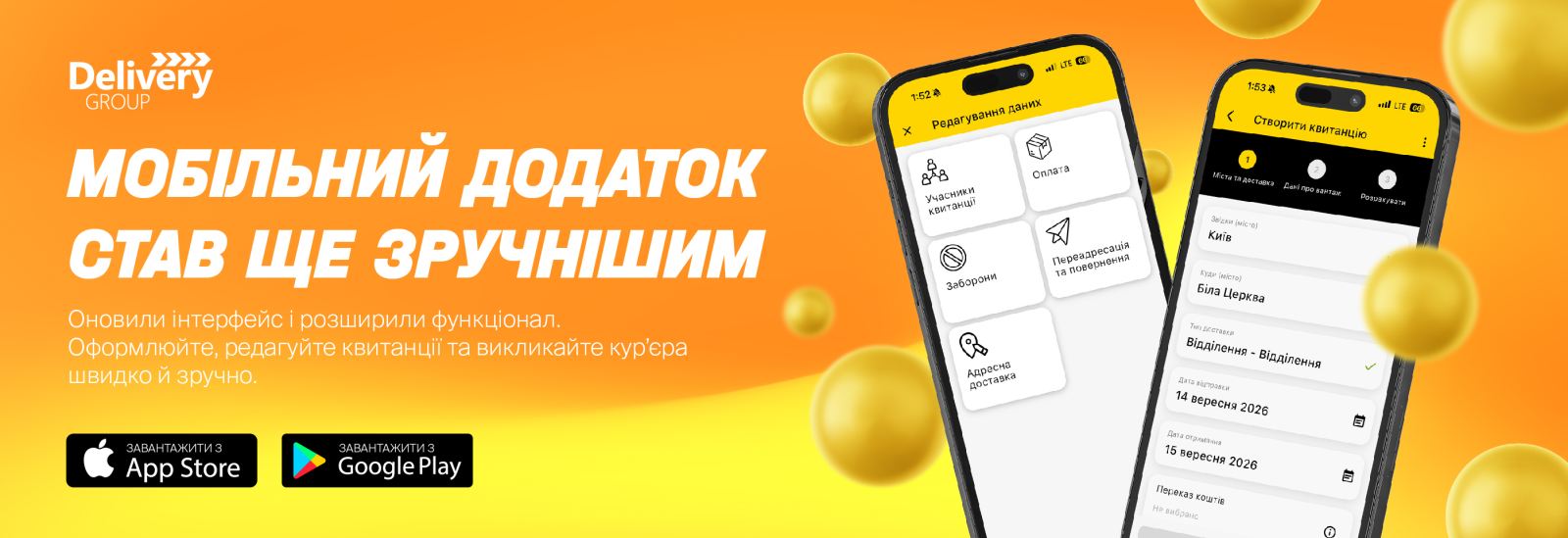
Delivery has updated its mobile app, making key operations simpler, faster and more intuitive for users. In the new version, the interface for creating receipts has been revamped, the options for requesting a courier have been expanded, access to tracking and data editing has been simplified, and new features have been added for using the ‘Transfer to Bank Details’ service.
Creating a consignment note — in a few straightforward steps
The consignment note creation process has been given a revamped interface. The form is now divided into clear, logical steps, allowing users to find the required fields more quickly and complete their consignment without having to scroll through the entire form.
This approach makes the process clearer both for those who regularly use Delivery’s services and for customers who arrange shipments from time to time.
Promo codes — available straight away whilst creating a consignment
When creating a consignment, you can now select a personal promo code straight away. Available personal promo codes are automatically retrieved from your customer profile, so there’s no need to search for them separately.
You can also manually enter a promotional code in the app and take advantage of the relevant offer whilst arranging a delivery.
Booking a courier — now with the same features as the desktop version
The courier booking functionality in the mobile app has been expanded and brought into line with the desktop version.
From now on, when booking a courier, you can:
-
add a consignment list;
-
select who pays for delivery;
-
use advanced features such as Economy Collection.
This means that key operations can be carried out
Tracking — the information you need is now at a glance
A dedicated tracking button has been added to the receipt view. Previously, it wasn’t always obvious where to find the option to track a consignment.
Now, all you need to do is open the receipt and go to the tracking section to quickly check exactly where your consignment is and at what stage of its journey it is.
Related receipts — separate access and payment
A separate ‘Related receipts’ button has been added to the receipt.
This allows you to quickly view related shipments and, if necessary, proceed to pay for them separately. This is particularly handy when you’ve paid for a receipt but have added a delivery address.
Data editing is now structured
The approach to editing data on the receipt has also changed. Instead of a long list of available actions that you had to scroll through, the functions are now divided into clear, logical blocks.
It is easier for the user to understand exactly which actions are available and to find the required function more quickly.
Financial details — can be created directly in the app
You can now create and add your own financial details — an IBAN account or a payment card — to a receipt within the mobile app.
This feature is essential, in particular, for using the service to make transfers to specific account details. You can now prepare the necessary details for such a transaction directly within the app.
Updates aren’t just about new features
Alongside the previous changes, the Delivery team has also fixed a number of minor bugs and technical issues to make the app more stable and user-friendly.
We are confident that the new version of the mobile app will prove a reliable tool for our customers in their day-to-day work. Please update the app to the latest version to access all the new features and improvements.
Download links:
Android: https://cutt.ly/lbFylrh